
Modular IoT portal to remotely monitor, diagnose, and assist the connected machines of the Omnia Technologies Group. Widget-based dashboard, global maps, data Blackbox, and managed VPN enable proactive support and secure interventions in just a few clicks.

Client
Omnia Technologies Group
Published
October 2025
Machines
700+
Countries
20+
Variables
1200+
Omnia Technologies is the group that transforms industrial automation into a key ally for the food, beverage, and pharmaceutical sectors. Thanks to “turnkey” solutions that range from processing to final packaging, it supports wine, dairy, beverage, and pharmaceutical companies in improving efficiency, sustainability, and quality control. In line with this vision, the group is unifying the teams of the various companies through the adoption of IXON devices, which enable secure VPN connections and advanced remote monitoring. The goal is to offer its clients a unified platform, accessible from anywhere in the world, from which they can monitor and analyze their machines in real time. A project fully consistent with Omnia Technologies’ brand identity.
Omnia Technologies Group’s service teams had been working across multiple brands and OEMs with disconnected tools: manual VPNs, HMIs accessible only from dedicated desktops, and historical data scattered across local panels. With the adoption of IXON devices for VPN and monitoring, Omnia Technologies is unifying teams across its companies and offering customers a single, secure, mobile-ready web platform—accessible from anywhere—to centralize monitoring, control, and collaboration, analyze machine data, and maintain brand consistency through a carefully crafted design.
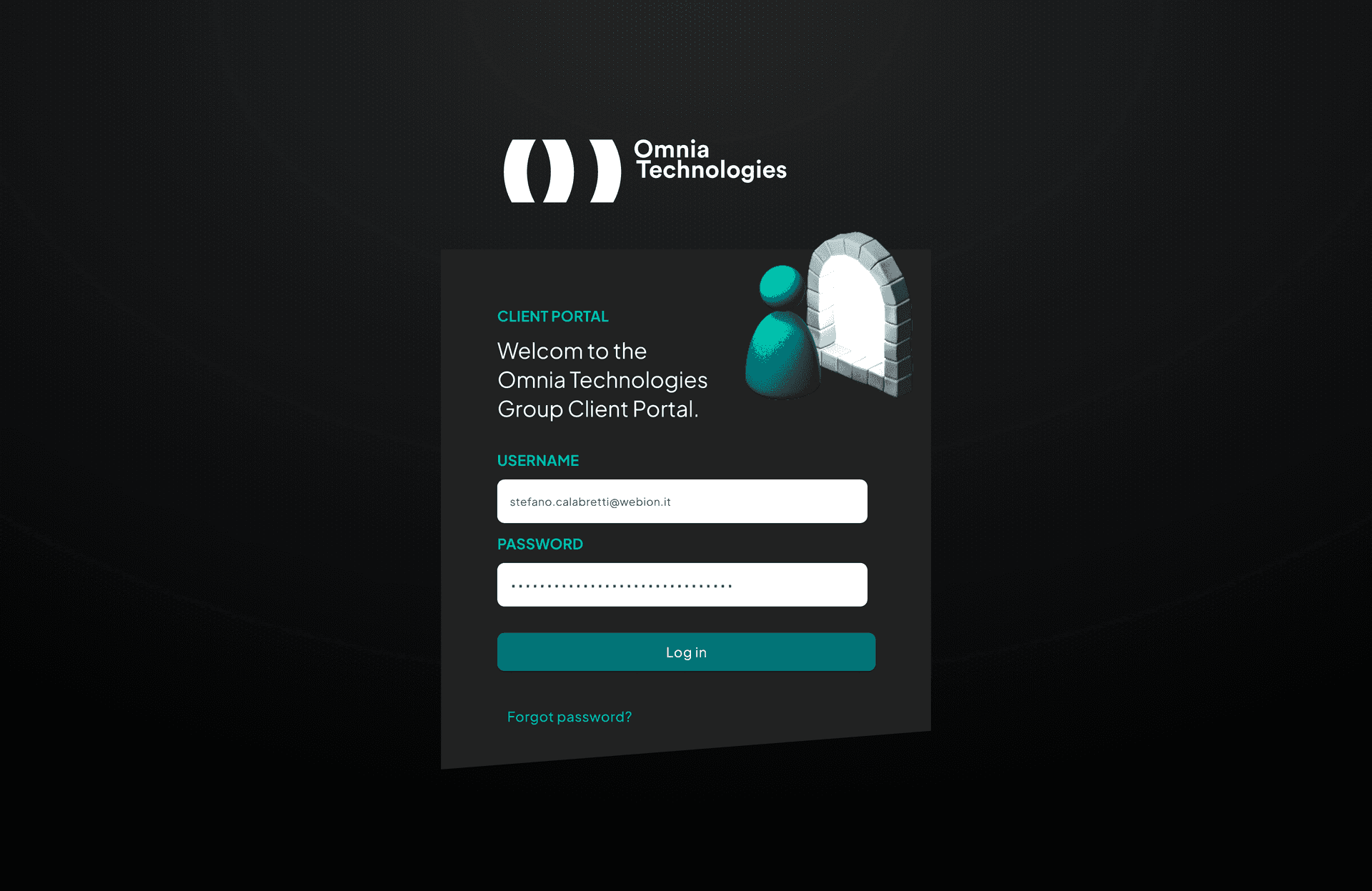
We created Smart Operations Hub as an easy-to-use app. After logging in, technicians find dashboards that automatically adapt to computers and smartphones. Each section clearly displays the most useful information — such as VPN connection, HMI controls, machine logs, and summary data — always maintaining the set filters.
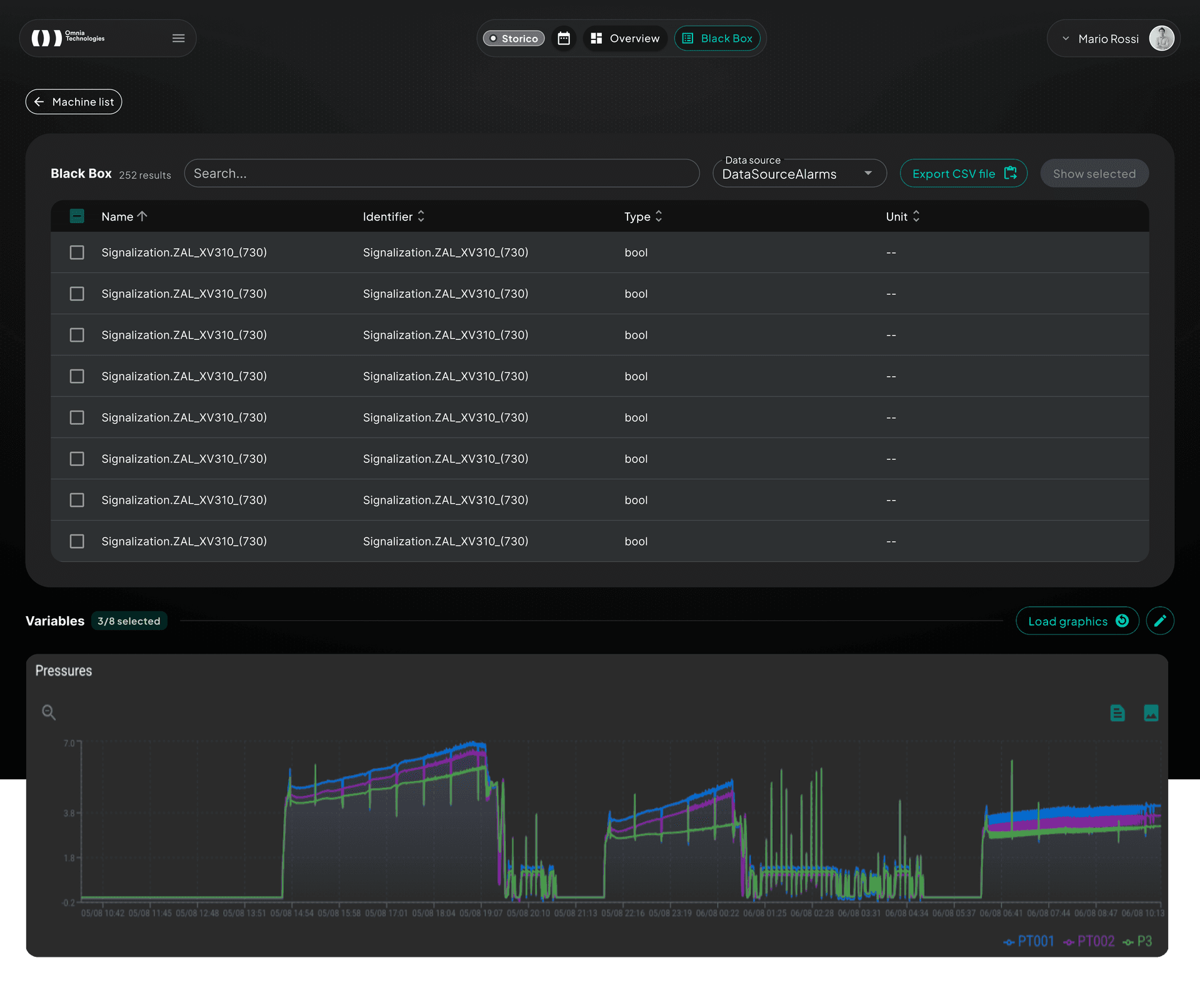
The Agents section combines a global map and a filterable list: you can search for a machine by name, see if it is online or offline, and locate it immediately on the map, with the possibility to open its full profile. Each machine has an advanced Blackbox that allows you to choose which data to display, create custom graphs, zoom in or overlay values, and download everything in just a few clicks. Logs are updated automatically every minute and the interface works well even on mobile.
For remote support, the VPN tab communicates in real time with the Omnia Technologies service, shows the latest updates, and manages downloads for all operating systems. HMI access, on the other hand, allows machines to be controlled remotely directly in the browser, even from a smartphone, with integrated zoom and virtual keyboard.
.png&w=1920&q=75)
The project was developed in a Turborepo monorepo: shared UI libraries, typed API clients, and configs reduce duplication. We iterated by vertical slice, starting with secure authentication (OTP, SSO), moving to dashboard layout and maps, and finally integrating remote services (VPN, HMI) and analytics. React Query manages caching and polling. The final optimization focused on custom Material UI theming, animated dot-grid for branding, internationalization with next-intl, and performance on mobile devices.
.png&w=1920&q=75)
For customers: unified view of system status, historical Blackbox diagnostics, and real-time remote support through a single interface also accessible from tablets.
For the internal team: centralized management of VPNs, HMI servers, branding, and permissions, plus quick sharing of machine context thanks to persistent filters and automatic exports.
For the business: modular platform ready to integrate new OEM widgets, reduced intervention times, and a scalable technological foundation for future cross-brand data analysis.
.svg?2025-08-18T13:22:23.377Z)